Managing a Multi-Host Homelab with NixOS
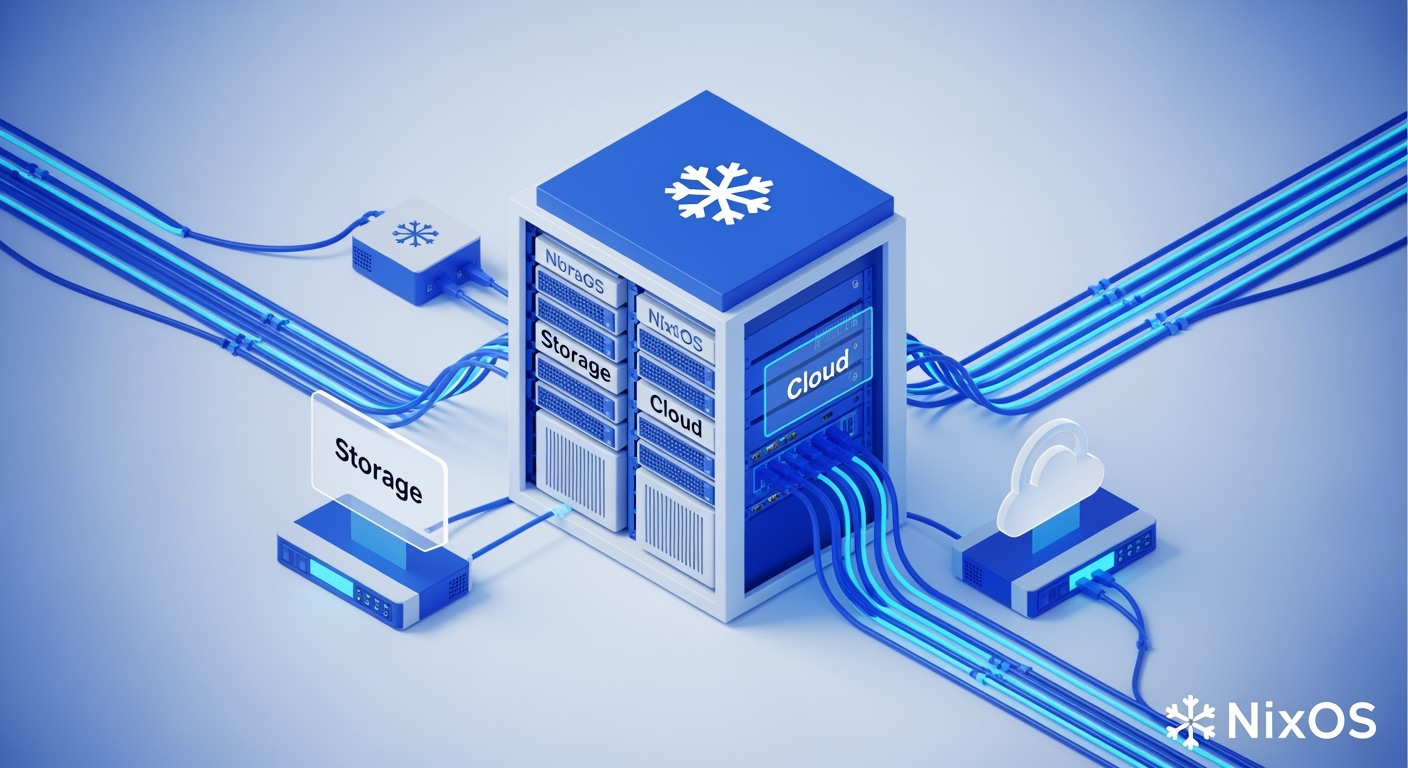
After years of managing services across multiple Ubuntu servers, I finally hit my breaking point. Docker Compose files scattered everywhere, manual package updates breaking production services at 2 AM, and the constant fear of “did I document how I set this up?” It was time for a change. Enter NixOS - a declarative Linux distribution that transformed my homelab from a house of cards into a reproducible, version-controlled infrastructure.
The Ubuntu Problem
Picture this: You’re running 30+ services across multiple hosts. Your main server has Jellyfin, the *arr stack, databases, monitoring tools. Your cloud VPS runs your public-facing services. Each service has its own quirks:
- Docker Compose files that reference specific versions you forgot to pin
- System packages installed via apt that conflict with each other
- Configuration files edited in-place that you definitely backed up (right?)
- That one service that requires a specific kernel module you compiled 6 months ago
The breaking point came when a routine apt upgrade on my main server broke PostgreSQL, which cascaded into breaking Gitea, which meant I couldn’t access my infrastructure documentation. While fixing it at 3 AM, I realized I was solving the wrong problem. The issue wasn’t the broken package - it was the entire approach.

Enter NixOS: Infrastructure as Code, But Actually
NixOS takes a radically different approach. Instead of imperatively installing packages and editing configs, you declare your entire system configuration in Nix files. Want PostgreSQL 15 with specific settings? Here’s your entire “installation process”:
services.postgresql = {
  enable = true;
  package = pkgs.postgresql_15;
  settings = {
    shared_buffers = "256MB";
    max_connections = 100;
  };
};
Deploy it with nixos-rebuild switch. Made a mistake? Roll back instantly with nixos-rebuild switch --rollback. Every change is atomic, reproducible, and version controlled.
My Infrastructure Evolution
Today, my homelab runs entirely on NixOS, managed through a single Git repository. In fact, the blog you’re reading right now is hosted on this very infrastructure, built and deployed through the same NixOS configuration. Let me introduce the main players:
Storage: The Workhorse
My primary server is “storage” - an Intel powered box with 32GB DDR5 RAM and a bcachefs array for data integrity. It’s the heart of my homelab, running 30+ services from media streaming to development tools:
Service Categories:
- Media Stack: Plex, Jellyfin, complete *arr suite for automation
- Storage: Nextcloud, Seafile, Samba shares, Time Machine server
- Development: Gitea, code-server, CI/CD runners
- Monitoring: Grafana, Prometheus, Netdata, Loki for logs
The Intel integrated GPU handles all video transcoding, keeping the CPU free for other tasks. With bcachefs providing data integrity and compression, it’s both reliable and efficient.
Cloud: The Public Face
“Cloud” is an ARM64 Oracle Cloud VPS (free tier - 4 cores, 24GB RAM) that serves as my authentication hub and public gateway. It runs LLDAP for user management, Dex for OIDC, and Authelia for 2FA - essentially handling all authentication for my infrastructure. Public services like blogs and chat run here too, all behind Cloudflare and Authelia protection.
The beauty? Both machines share 90% of their configuration through modules. Storage handles the heavy lifting, Cloud provides secure access.
The GitHub Actions Magic
Here’s where it gets interesting. Every push to my repository triggers automated builds and deployments:
# .github/workflows/deploy.yml
name: Deploy NixOS Hosts

on:
  push:
    branches: [ main ]

jobs:
  deploy:
    runs-on: ubuntu-latest
    steps:
      - uses: actions/checkout@v3

      - name: Install Nix
        uses: cachix/install-nix-action@v22

      - name: Build configurations
        run: |
          nix build .#nixosConfigurations.storage.config.system.build.toplevel
          nix build .#nixosConfigurations.cloud.config.system.build.toplevel

      - name: Deploy to hosts
        run: |
          nix run .#deploy.storage
          nix run .#deploy.cloud
Push to main, grab coffee, and watch your infrastructure update itself. If something breaks? The old configuration is still running until the new one successfully builds.

Why Not [Insert Solution Here]?
The homelab world is full of solutions, each with its own philosophy:
TrueNAS: Great for storage, but I wanted more flexibility for running arbitrary services. Plus, I like my ZFS configuration in version control.
Proxmox + LXC/VMs: Powerful, but adds a virtualization layer I didn’t need. I prefer bare metal performance for media transcoding.
CasaOS/Umbrel/etc: Perfect for beginners! But I wanted more control and the ability to run services these platforms don’t support.
Kubernetes: I use it at work. My homelab is where I go to escape YAML hell, not create more of it.
Docker Swarm/Nomad: Still requires managing the underlying OS. NixOS manages everything from kernel to containers.
NixOS sits in the “very technical” category - it’s not for everyone. The learning curve is steep, the documentation can be sparse, and you’ll definitely spend a weekend figuring out why your first configuration won’t build. But once it clicks? You’ll never want to manage infrastructure any other way.
The Reality Check
Let’s be honest - NixOS isn’t all roses:
- Learning Curve: Nix’s functional language takes time to grok
- Ecosystem: Some software needs packaging or workarounds
- Resource Usage: Keeping multiple system generations eats disk space
- Compilation: Sometimes you’ll need to build packages from source
But for a technical user who wants reproducible infrastructure? The tradeoffs are worth it.
What’s Next?
In my next post, I’ll dive into the Constellation Pattern - how I structure my NixOS configurations to share code between hosts while maintaining flexibility. We’ll look at real examples from my repository and how to build your own modular NixOS infrastructure.
For now, if you’re tired of the “pets vs cattle” debate and want infrastructure that’s more like “robots that configure themselves,” give NixOS a look. Your future self at 3 AM will thank you.
Want to see how it all works? Check out my NixOS configuration on GitHub - everything from this blog’s deployment to my entire homelab is there.